
To sign up to PlaySafe ID head to our website - Playsafeid.com
From here, simply click in the top right to claim your PlaySafe ID.

This will take you to our account creation / sign in page. To create your account, click the "sign up" button.
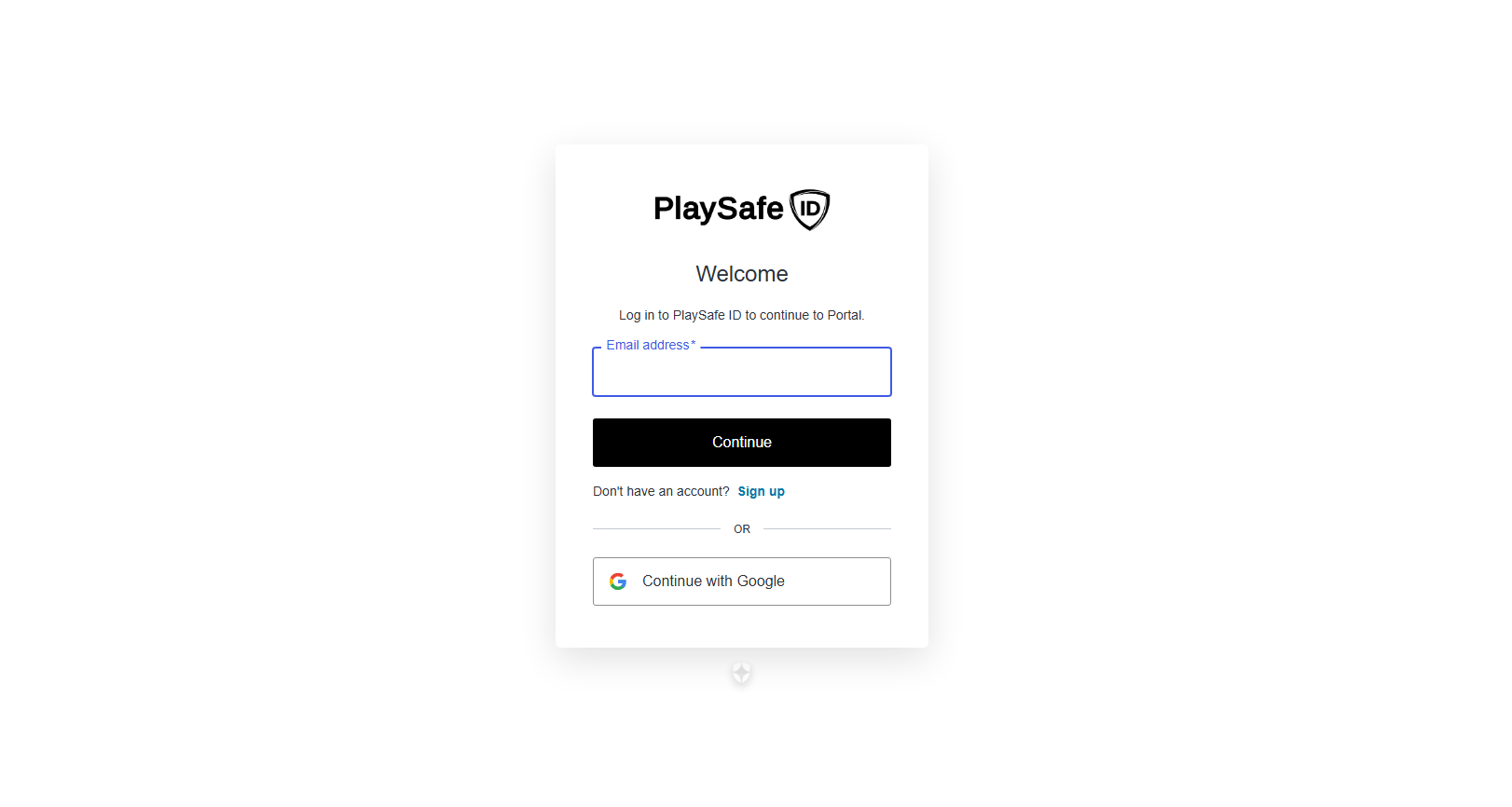
Next, enter your email address or continue with google - IMPORTANT: Make sure this is your personal email address that you have access to at all times as this will be the email address associated to your PlaySafe ID account and cannot be changed.
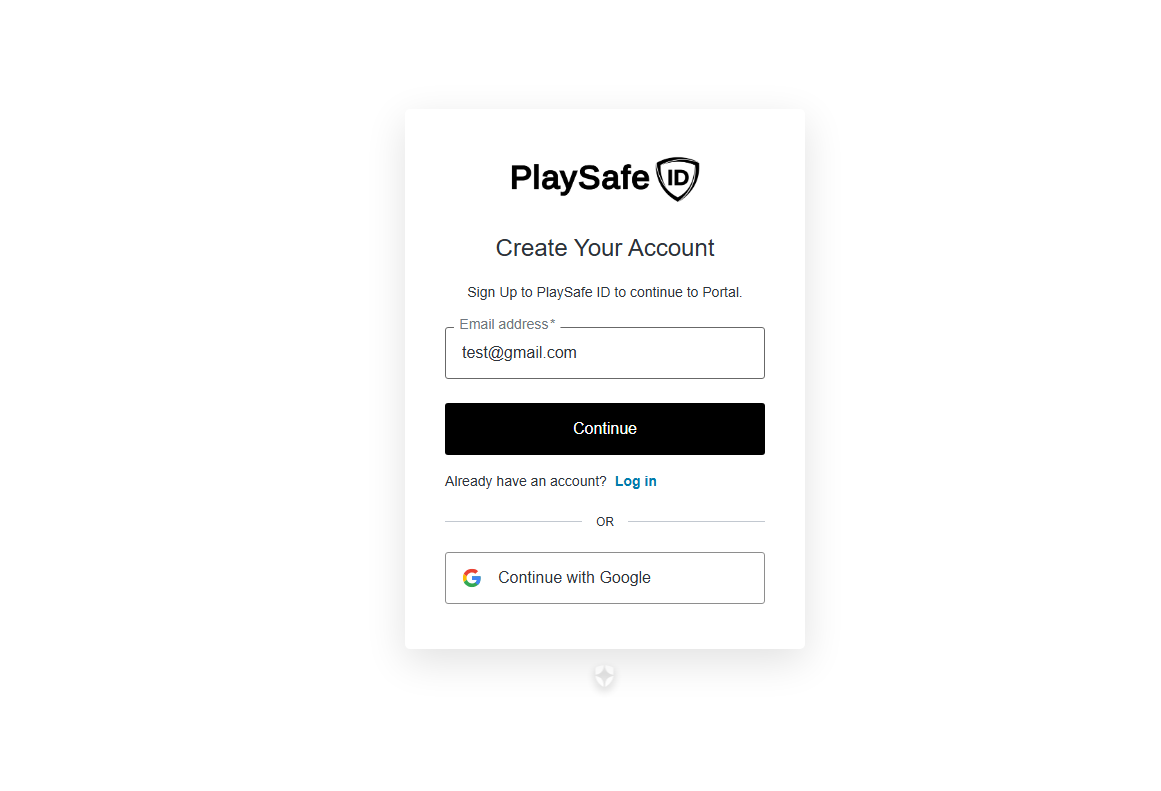
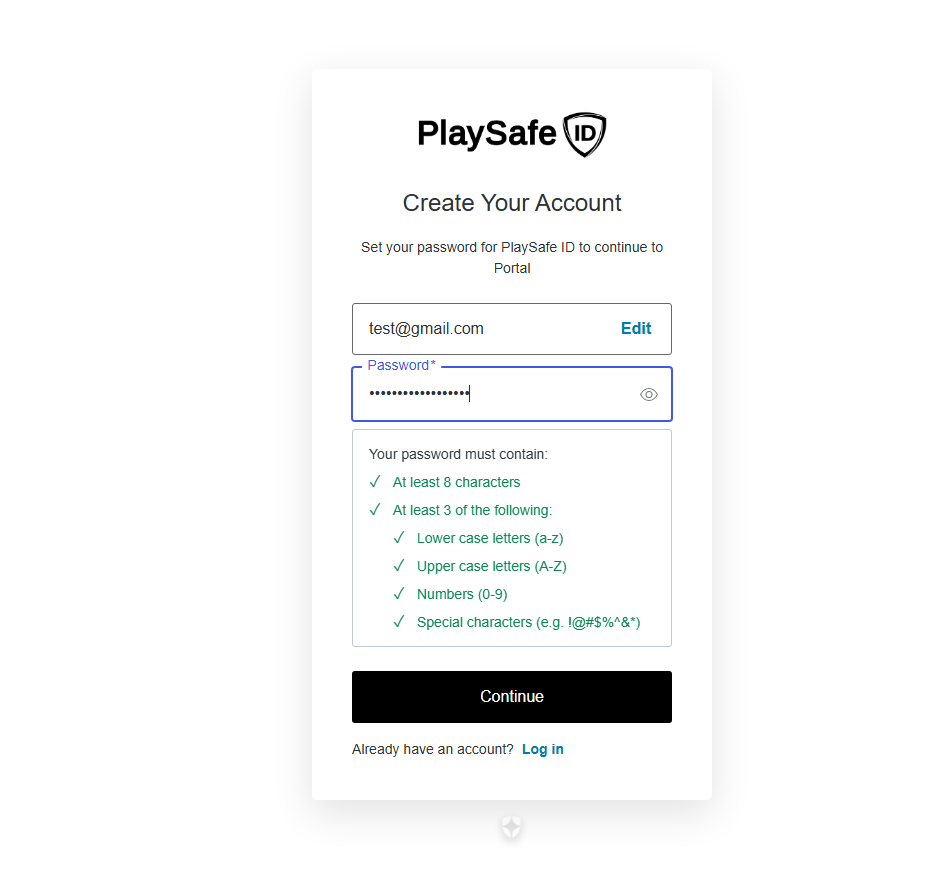
Once you have entered your email address, click "continue" to proceed. Now create your password for your PlaySafe ID account, ensuring you match the criteria. Once you are happy with your email address and password you have entered, click continue to sign up.
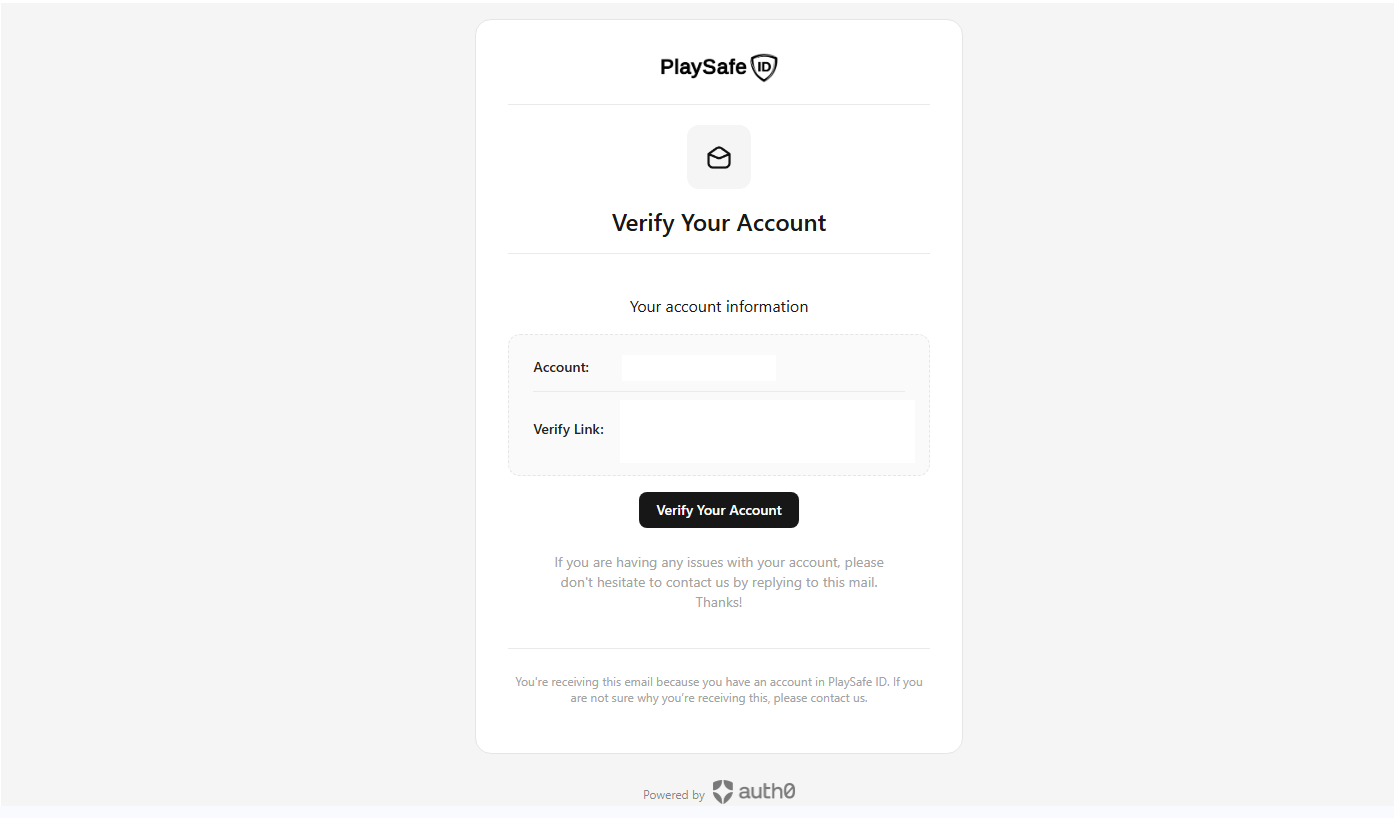
Next, you'll be sent a confirmation email from us. Be sure to check your inbox and junk / spam folders for this. Open our confirmation email and click "verify your account". This will complete your account creation process.
From here, you can now sign in and manage your PlaySafe ID account. You can complete your verification, link game accounts, view your account information and more.
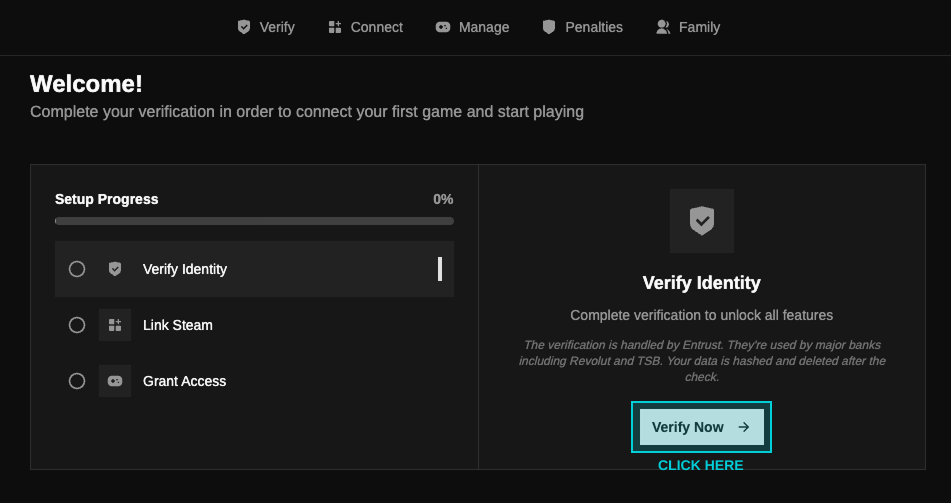
To be able to link your first game account to your PlaySafe ID and start playing, you will have to complete our KYC verification as shown above. To help understand how to do this and more, we have created other guides that you can view here.
Thank you for joining PlaySafe ID. Together we are pushing for a more fair and fun gaming experience for everyone.